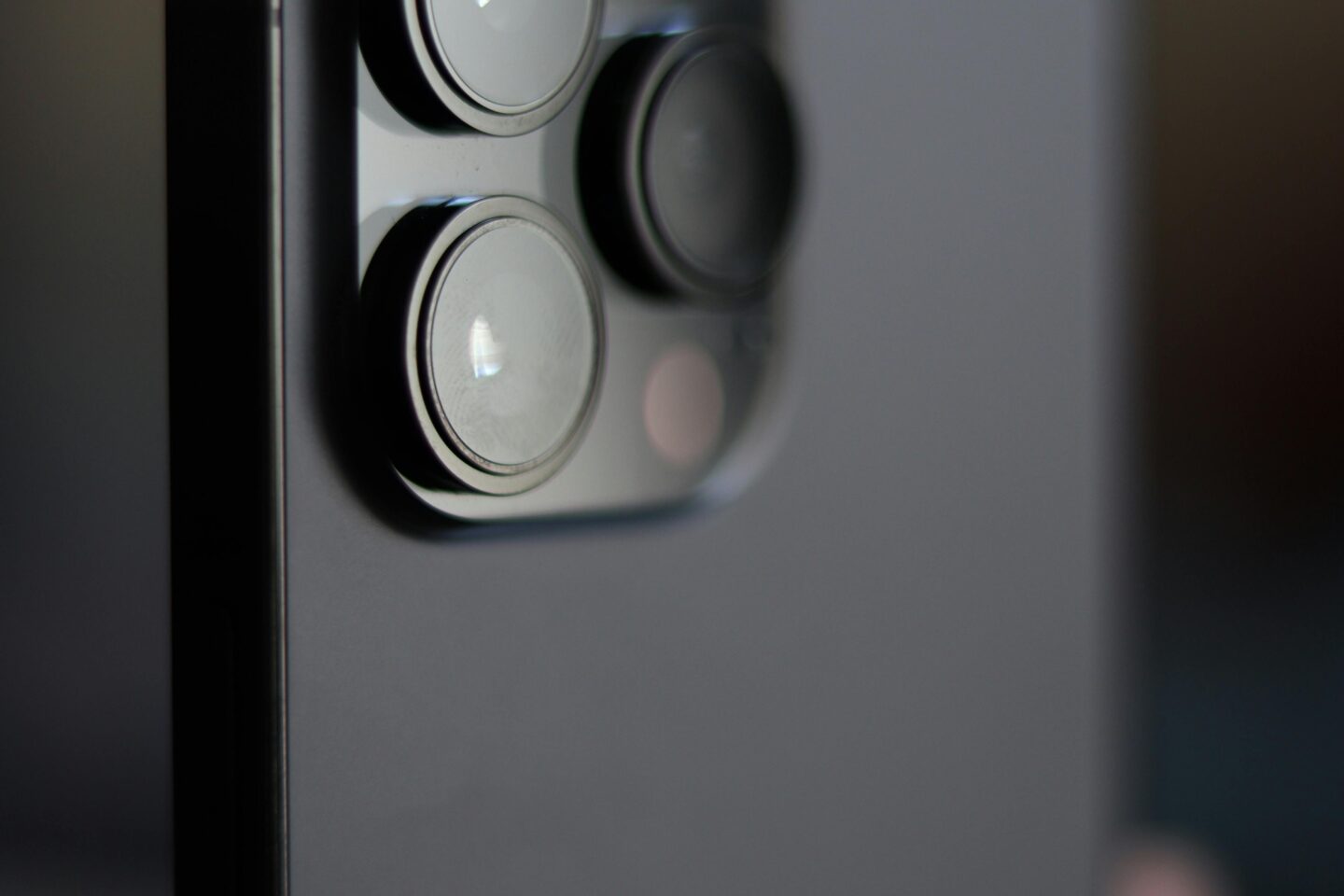
The iPhone camera has long been a source of delight—and sometimes frustration—for users. Each iOS update promises to enhance our pocket photography powerhouses with smarter algorithms and new features. But do these promises always hold true? Many users have reported that their iPhone cameras seem to deteriorate in quality with each update or new model release. Is this just perception, or is there more to the story?
The Evolution of the iPhone Camera: Software Takes Center Stage
From the original single 2-megapixel sensor to today’s sophisticated multi-lens and LiDAR systems, iPhone cameras have undeniably come a long way. Yet, while hardware is a major factor, the role of software—specifically computational photography algorithms—has become pivotal. Apple leverages software to enhance sharpness, optimize color, balance dynamic range, and reduce noise.
Each iOS update introduces tweaks to these algorithms, aiming to improve image clarity and low-light performance. However, these changes inevitably adjust how your phone interprets and processes the scene—not always to everyone’s liking.
What Apple’s Updates Actually Change Under the Hood
Apple keeps its exact image processing formulas under wraps, but the effects can be observed. Algorithms control everything from noise reduction to Smart HDR, and newer features like Photographic Styles let users customize their image tone and feel.
For example, some iOS versions have increasingly aggressive noise reduction, which can smooth out fine details, creating a “painterly” appearance that some users find artificial. Conversely, improvements in HDR aim to better balance highlights and shadows, making photos look more vivid but sometimes at the expense of natural color gradations.
Comparing Image Quality: Before and After Updates
A simplified example with an iPhone 13 Pro might be:
-
Before iOS 17: Photos showed visible noise in shadows and lower-light areas, with softer details.
-
After iOS 17: Cleaner images with much stronger noise reduction, but some textures (like fabric) lose crispness. Colors may appear more saturated due to enhanced processing.
Independent labs like DxOMark confirm these subtle shifts with every software release: some aspects improve (video stabilization, HDR), while others may regress (texture rendering, naturalness).
Why Users Feel the Camera Is Getting Worse
User sentiment varies dramatically. Online forums and social media abound with praise and criticism:
-
“My iPhone 14 Pro’s night shots are incredible after the update!” raves one Reddit user.
-
Another laments, “The over-sharpening makes every photo look fake now.”
Several factors influence these mixed experiences:
-
Device model: Older iPhones often see more visible improvements from software updates than flagship models.
-
Shooting conditions: Changes are pronounced in challenging lighting.
-
Personal preference: Some prefer “natural” imagery over enhanced clarity or vibrancy.
-
Screen calibration: Your iPhone’s display settings affect color and sharpness perception.
Common Complaints and Praise
Praise:
-
Enhanced low-light clarity with less noise.
-
Improved dynamic range for balanced exposures.
-
Better skin tone rendering.
-
Enhanced video stabilization.
Complaints:
-
Over-processing leading to loss of realistic texture.
-
Inconsistent white balance across updates.
-
The so-called “painterly” smoothing effect.
-
Occasional bugs degrading camera quality after updates.
How to Optimize Your iPhone Camera Post-Update
If you feel the quality has declined, don’t despair. Several steps can help you regain control:
-
Experiment with Photographic Styles to find a look that suits you.
-
Adjust exposure manually by tapping the screen for optimal brightness.
-
Use third-party camera apps like Halide or ProCamera for manual settings.
-
Shoot in RAW format for greater editing freedom.
-
Provide feedback to Apple via the Apple Feedback Assistant app.
Is It Possible to Roll Back Updates?
Technically, it’s sometimes feasible to downgrade iOS to a prior version, but this is strongly discouraged due to security and stability risks.
The Takeaway: Art and Science in Constant Motion
The truth is, Apple continuously balances computational demands: enhancing sharpness, noise control, color and contrast—all on a compact silicon chip. Trade-offs are inevitable. What looks like deterioration to some may be a necessary evolution for others, aiming at improving real-world usability rather than clinical perfection.
What remains clear is this: the iPhone camera is a moving target, shaped by cutting-edge AI and software innovation, user feedback, and changing photographic priorities. By understanding these nuances, users can better appreciate their device’s capabilities—and sometimes, work around them.